
800G Series
OSFP 800G transceivers are compliant to the OSFP MSA, IEEE 802.3bs and IEEE P802.3ck Digital diagnostic functions are available via the I2C interface, as specified by the OSFP MSA. Firmware supports CMIS 5.2. We offer transceivers for SR8, VR8 and 2xDR4 interfaces, AOC and DAC. Our vertical integration for optical engines enables leading performance and power consumption.
400G Series
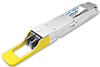
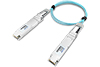
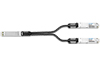
400G QSFP-DD and OSFP (Octal Small Form Factor Pluggable) optical transceivers is available at Lightrend. 4x100G Optical transceiver module are designed for use in 400 Gigabit links. They are compliant with the QSFP-DD MSA and OSFP MSA, they are mainly used for broadband access for operators, the core link of large data centers and the core link of the national supercomputing center, Cloud Networks etc..
200G Series
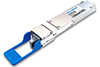
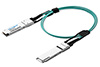
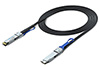
200G QSFP-DD optical transceivers is available at Lightrend. The series of products comply with IEEE 802.3bs and QSFP-DD MSA standards and are mainly applied in 200G Ethernet, Data Center and Cloud Networks.
100G Series
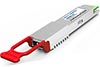
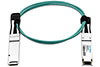
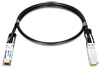
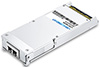
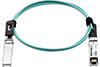
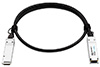
Lightrend is offering 100G QSFP28 series and CFP, CFP2, CFP4 form factor transceivers, 100G single lambda, BIDI 10KM and 40KM, duplex DR1, FR1, LR1 and ER1 interfaces transceivers. The 4x25G QSFP28 transceiver portfolio is one of the broadest in the market and covers SR4, CWDM4, LR4, ER4 Lite, ER4 up to the 80km ZR4, industrial grade QSFP28 transceivers are also available. 100G QSFP28 AOC and DAC are included in the family.
50G Series
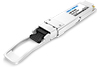
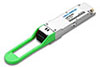
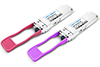
Lightrend offers 50G transceivers for both Ethernet and mobile networks. The QSFP28 form-factor is used to mobile applications and for longer reaches with distance 10KM to 40KM.
40G Series
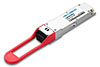
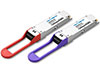
Lightrend is offering 40G transceivers for with QSFP+ orm-factors. It includes SR4, LR4 and ER4, AOCs and DACs are avalilable to reach short connectivity inside the same chassisk.
25G Series
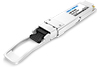
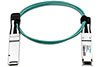
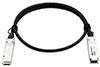
Lightrend is 25G transceivers are used in Ethernet, Fibre Channel (32G) and mobile fronthaul applications (CPRI, OBSAI). I-temp application as well as distances of up to 40km are supported as well as LAN WDM, CWDM and DWDM wavelengths.
10G Series
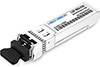
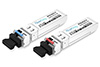
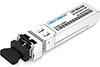
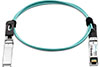
Lightrend is 10G family incudes SFP+, XFP form factors, duplixed SR, LR, ER, ZR, CWDM, fixed DWDM, tunable DWDM, and sigle mode BIDI series are all available, distance up to 80KM; 10G Copper SFP+, AOC and DAC in the family.
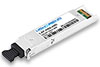
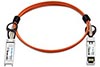
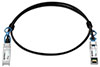
<10G Series
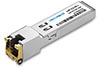
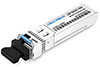
Lightrend provides full series of low speed SFP for SONET, Gigabit Ethernet, Fibre Channel, and other communications standards. Most SFP transceivers are used for Gigabit Ethernet and come in a wide variety of transmitters/receivers for different distances and fiber types as well as conversion to RJ-45 (copper).
Coding Box
The CodingBox connects to a PC with Windows XP~10 32&64bit through a USB port to implement functions such as writing or reading code and DDM parameters for SFP series, XFP series, QSFP series, QSFP-DD series, and OSFP series optical modules.


 Ordering information
 Product Features
 Applications


